
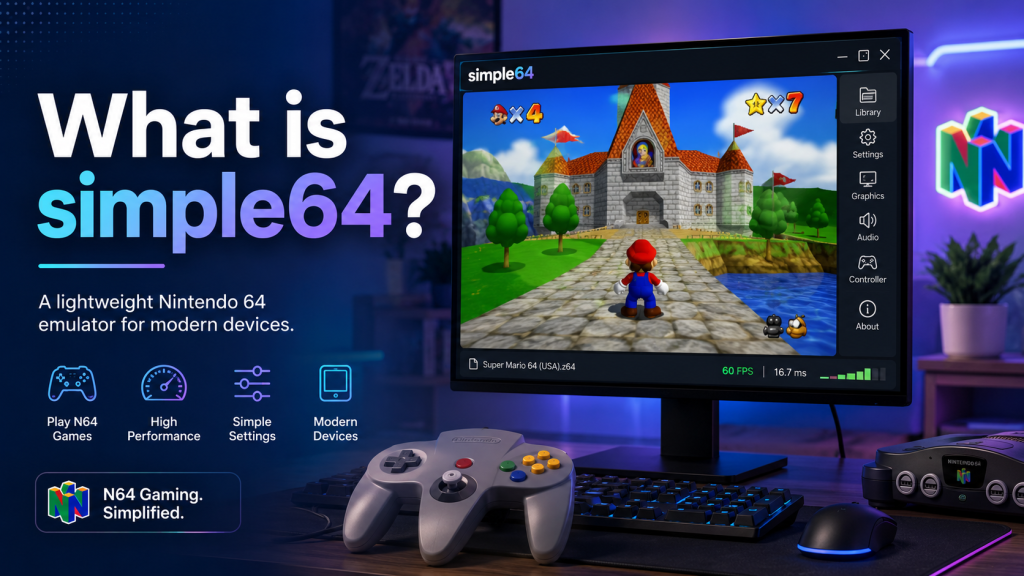
simple64 is a Nintendo 64 emulator that allows users to play classic N64 games on a modern computer. It was designed to offer accurate emulation, smooth performance, and a simple setup experience for people who want to enjoy old Nintendo 64 titles without using the original console hardware. For many retro gaming fans, simple64 became popular because it combined ease of use with strong compatibility and modern graphics support.
In this article, we will explain what simple64 is, how it works, its main features, system requirements, benefits, limitations, and whether it is still a good option for N64 emulation today.
How does simple64 work?
simple64 works by emulating the original Nintendo 64 hardware through software. When a user loads an N64 game ROM, the emulator reads the game data and translates the console instructions into something the computer can understand.
This process allows the game to run on Windows or Linux without needing the original Nintendo 64 console. The emulator handles different parts of the system, including graphics, audio, controller input, memory, and game timing.
Because Nintendo 64 hardware is unique, accurate emulation can be difficult. Some games may work perfectly, while others may need more power or may have small compatibility issues. simple64 was built to reduce these problems and provide a more accurate experience compared to many older emulator setups.
Main features of simple64
Easy-to-use interface
One of the biggest advantages of simple64 is its simple interface. Many older emulators can feel confusing because they require users to install plugins, adjust advanced settings, or manually configure many options. simple64 keeps the process more beginner-friendly.
Users can usually open the emulator, select their game file, set up controls, and start playing without needing deep technical knowledge.
Accurate N64 emulation
simple64 was designed with accuracy in mind. Accurate emulation means the emulator tries to behave as closely as possible to the original Nintendo 64 hardware. This can improve game behavior, reduce glitches, and make the experience feel closer to the original console.
Modern graphics support
simple64 uses modern graphics technology to improve how games are displayed on current computers. This can help with better rendering, smoother visuals, and more stable performance depending on the system.
However, because modern graphics support may require specific hardware features, users should make sure their computer meets the needed requirements before using the emulator.
Controller support
simple64 supports controller input, which is important for Nintendo 64 games. Since many N64 titles were designed around the original controller, using a gamepad can make the experience much better than playing with a keyboard.
Users can map buttons according to their preferred controller layout and adjust settings for a more comfortable gaming experience.
Netplay support
simple64 also became known for netplay support. Netplay allows users to play multiplayer games online with other people. This is useful for classic N64 multiplayer games that were originally designed for local play.
A stable internet connection is important for a good netplay experience because lag or connection issues can affect gameplay.
Is simple64 free?
Yes, simple64 is free and open-source software. This means users can download and use it without paying. Open-source also means its code was publicly available for developers and users who wanted to inspect or contribute to the project.
However, users should always download emulators from official or trusted sources. Downloading from random websites can be risky because unofficial files may contain malware, outdated builds, or modified installers.
Is simple64 legal?
The simple64 emulator itself is legal to use. Emulators are software tools, and using an emulator is generally not the issue. The important part is how users get their game files.
Nintendo 64 game ROMs are copyrighted. Downloading games from unauthorized websites may violate copyright laws. The safest and most responsible approach is to only use game files that you legally own and have dumped from your own cartridges.
So, simple64 as a tool is legal, but users must be careful about where their games come from.
Is simple64 still maintained?
simple64 is no longer actively maintained. The official project has been archived, and development has stopped. This means users should not expect regular updates, new features, or active bug fixes from the original simple64 project.
This does not mean the emulator suddenly stops working. Existing versions can still run on supported systems, and many users may still find it useful. However, for long-term use, users may want to consider newer alternatives such as Gopher64 or RMG, especially if they want active development and future updates.
simple64 system requirements
The exact performance depends on the game, settings, and computer hardware. In general, simple64 works best on a modern PC with good graphics support.
Here are basic requirements users should consider:
| Requirement | Recommended Details |
|---|---|
| Operating System | Windows or Linux |
| Processor | Modern dual-core or better |
| RAM | 4 GB or more recommended |
| Graphics | Vulkan-supported GPU recommended |
| Storage | Enough space for emulator files and legal game backups |
| Controller | USB or Bluetooth controller recommended |
A stronger system can provide better performance, especially for games that are harder to emulate.
How to use simple64
Using simple64 is usually straightforward. The basic process looks like this:
- Download simple64 from a trusted source.
- Extract the downloaded ZIP file if using Windows.
- Open the emulator application.
- Configure your controller or keyboard controls.
- Load your legally owned N64 game file.
- Adjust graphics or display settings if needed.
- Start playing.
For Linux users, simple64 was also available through Flatpak, depending on the version and source. Users should check the latest trusted availability before installing.
Benefits of using simple64
Beginner-friendly setup
simple64 is easier to use than many complicated emulator setups. This makes it suitable for people who are new to N64 emulation.
Good performance
On supported hardware, simple64 can provide smooth gameplay for many classic Nintendo 64 games.
Clean experience
The emulator focuses on simplicity, which helps users avoid unnecessary confusion.
Useful for retro gaming fans
For users who want to revisit classic N64 games on modern systems, simple64 can be a practical option.
Open-source background
Because simple64 was open-source, it gained trust among many users who prefer transparent software projects.
Limitations of simple64
Development has stopped
The biggest limitation is that simple64 is no longer maintained. This means future bugs, compatibility issues, or operating system changes may not be fixed.
Some games may not work perfectly
Nintendo 64 emulation is complex. Even with accurate emulation, some games may still have graphical glitches, audio issues, or performance problems.
Hardware requirements
Because simple64 uses modern graphics features, older computers may not support it properly.
Limited future support
Since the project is archived, users looking for an actively updated emulator may prefer newer alternatives.
simple64 vs other N64 emulators
simple64 is not the only Nintendo 64 emulator available. Other popular options include Project64, RMG, Mupen64Plus-based builds, and Gopher64.
| Emulator | Best For |
|---|---|
| simple64 | Simple setup and accurate N64 emulation |
| Project64 | Easy Windows use and popular features |
| RMG | Modern Mupen64Plus-based experience |
| Gopher64 | Newer open-source N64 emulation development |
| Mupen64Plus | Advanced users who like customization |
simple64 is a good choice for users who want a clean and simple emulator, but because it is archived, active alternatives may be better for long-term use.
Is simple64 good for beginners?
Yes, simple64 can be a good choice for beginners because it is easier to set up than many advanced emulator configurations. The interface is simple, and users do not need to understand complex plugin systems to get started.
However, beginners should also understand that simple64 is no longer actively updated. If a user faces problems, they may need to search community discussions, try older fixes, or use a newer emulator alternative.
Is simple64 safe?
simple64 is generally safe when downloaded from official or trusted sources. The risk usually comes from unofficial websites that reupload emulator files with unknown changes.
To stay safe:
- Download from trusted sources only.
- Avoid suspicious installer files.
- Scan files with antivirus software.
- Do not download illegal ROM packs.
- Keep your operating system updated.
Following these steps can help reduce security risks.
Who should use simple64?
simple64 is useful for:
- Retro gaming fans
- Users who want to play classic N64 games on PC
- Beginners looking for a simple emulator
- People who prefer open-source software
- Users who want accurate Nintendo 64 emulation
It may not be the best choice for users who want the most actively developed emulator today. In that case, alternatives like Gopher64 or RMG may be better options.
Conclusion
simple64 is a Nintendo 64 emulator built for users who want a simple, accurate, and user-friendly way to play classic N64 games on modern computers. It became popular because it combined strong emulation accuracy with an easier setup process compared to many older emulator configurations.
Even though simple64 is no longer actively maintained, it still remains an important emulator in the N64 emulation scene. For users who already have it working, it can still be useful. But for people looking for future updates, active support, and long-term development, newer alternatives may be worth considering.
Overall, simple64 is best understood as a clean and powerful N64 emulator that helped make accurate Nintendo 64 emulation easier for everyday users.