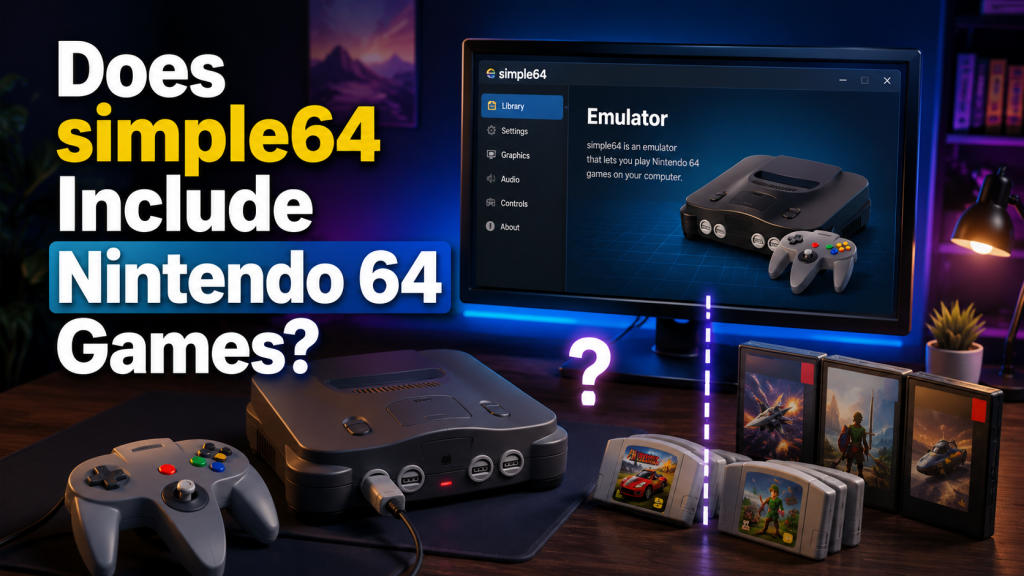
If you are new to Nintendo 64 emulation, one common question is: Does simple64 include Nintendo 64 games? The short answer is no. simple64 is an emulator, which means it is software designed to run Nintendo 64 games on a computer. It does not come with built-in N64 games, ROM files, or copyrighted game content.
This article explains what simple64 includes, why games are not bundled with it, how N64 ROMs work, and what users should know before setting up the emulator. The goal is to make everything simple, clear, and beginner-friendly.
Read More: Is simple64 Safe to Use?
What Is simple64?
simple64 is a Nintendo 64 emulator. An emulator is a program that recreates the behavior of an older gaming console on modern hardware. In this case, simple64 allows a computer to run Nintendo 64 games by emulating the original N64 system.
The emulator itself is not a game. It is more like a virtual console. Just like a real Nintendo 64 console needs a cartridge to play a game, simple64 needs a compatible game file, often called a ROM, to load and run a game.
This is an important difference because many beginners think downloading an emulator also means getting the games. That is not how most emulators work.
Does simple64 Include Nintendo 64 Games?
No, simple64 does not include Nintendo 64 games.
When you download simple64, you are only getting the emulator software. You are not getting games like Mario Kart 64, Super Mario 64, The Legend of Zelda: Ocarina of Time, GoldenEye 007, or any other Nintendo 64 titles.
The emulator may include important files, settings, interface features, graphics support, controller options, and performance tools, but it does not include copyrighted Nintendo 64 game ROMs.
This means users must provide their own legally obtained game files if they want to play games through simple64.
Why Does simple64 Not Come With N64 Games?
simple64 does not include Nintendo 64 games because most N64 games are copyrighted. Game publishers and developers own the rights to those games. Distributing them without permission can create legal problems.
Emulator developers usually create only the software that allows games to run. They do not include commercial games because that would mean sharing copyrighted content. This is why official emulator downloads normally avoid bundling ROMs.
In simple words:
- simple64 is the emulator.
- Nintendo 64 games are separate copyrighted software.
- The emulator does not legally include commercial game files.
This separation helps keep emulator projects focused on preservation, compatibility, and performance without directly distributing copyrighted games.
What Does simple64 Include?
simple64 includes the core tools needed to emulate the Nintendo 64 system. Depending on the version, the package may include the emulator interface, graphics support, audio handling, input settings, and configuration options.
Here are the types of things users may expect from simple64:
- Nintendo 64 emulation support
- Game loading feature
- Controller configuration
- Video and display settings
- Audio settings
- Save support
- Performance options
- Compatibility improvements
- Netplay or multiplayer-related features in supported versions
However, none of these are actual Nintendo 64 games. They are only tools that help the emulator run games once the user loads a valid ROM file.
What Are Nintendo 64 ROMs?
A Nintendo 64 ROM is a digital copy of an N64 game cartridge. ROM files are what emulators use to run games on a computer. These files usually contain the game data from an original Nintendo 64 cartridge.
For example, if a user wants to play a Nintendo 64 game in simple64, the emulator needs a compatible ROM file for that game. Without a ROM, simple64 can open, but it cannot play a commercial N64 title.
Common N64 ROM file formats may include:
| File Type | Meaning |
|---|---|
| .z64 | Common Nintendo 64 ROM format |
| .n64 | Another N64 ROM format |
| .v64 | Byte-swapped N64 ROM format |
The exact compatibility can depend on the emulator version and the condition of the ROM file.
Is It Legal to Download N64 ROMs Online?
This is where users need to be careful. Downloading Nintendo 64 ROMs from random websites can be legally risky, especially if the games are copyrighted and the website does not have permission to distribute them.
Many websites offer ROM files, but that does not automatically mean they are legal. A game being old does not mean it is free to download. Many Nintendo 64 games are still protected by copyright.
A safer and more responsible approach is to use game files that you have legally dumped from your own original cartridges, where local laws allow it. Laws can vary by country, so users should always follow the rules in their region.
Can simple64 Play Any Nintendo 64 Game?
simple64 is designed to run Nintendo 64 games, but no emulator is perfect for every game, every system, or every setup. Some games may work very well, while others may need specific settings or may have small visual, audio, or performance issues.
Game performance can depend on several factors, including:
- The computer’s hardware
- Graphics support
- Emulator version
- Game compatibility
- ROM file quality
- Controller settings
- Display and plugin settings
If a game does not work properly, it does not always mean simple64 is broken. Sometimes the issue is caused by an incorrect ROM format, missing settings, outdated drivers, or hardware limitations.
Do You Need to Add Games Manually?
Yes, users need to add games manually. Since simple64 does not include Nintendo 64 games, the emulator needs the user to select or load a game file.
A basic setup process usually looks like this:
- Download and install simple64.
- Open the emulator.
- Configure controls and basic settings.
- Choose a legally obtained N64 ROM file.
- Load the game through the emulator.
- Adjust video, audio, or controller settings if needed.
Once the emulator is configured, loading games becomes easier. Users can usually keep their game files in a folder and open them when needed.
Why Beginners Get Confused About Emulators and Games
Many beginners expect an emulator to work like a complete game package. They download simple64, open it, and wonder why there are no games inside. This confusion is normal.
A good way to understand it is to compare simple64 with a media player. A media player can play music or videos, but it does not automatically include your movies or songs. You still need your own media files. In the same way, simple64 can run Nintendo 64 games, but it does not provide the games.
So, the emulator is the player, and the ROM is the game file.
Does simple64 Have Built-In Demo Games?
simple64 generally does not come with commercial Nintendo 64 games or famous built-in titles. If a package from another website claims to include simple64 with many N64 games, users should be cautious.
A bundled download that includes copyrighted games may not be official, safe, or legal. It may also include modified files, unwanted software, or security risks.
For safety, users should download emulators from trusted sources and avoid “all-in-one” emulator packs that promise hundreds of games.
Is simple64 Safe to Use?
simple64 itself can be safe when downloaded from a trusted source. The bigger risk often comes from downloading ROMs or emulator bundles from unknown websites. Some third-party sites may package emulators with ads, unwanted installers, or unsafe files.
To stay safer:
- Download the emulator from trusted sources.
- Avoid suspicious ROM websites.
- Do not install unknown bundled software.
- Scan downloaded files when needed.
- Keep your system drivers updated.
- Use legally obtained game files.
Good safety habits matter because emulator-related searches often lead users to unofficial sites.
Can You Use simple64 Without Games?
Yes, you can open and configure simple64 without games, but you cannot actually play a Nintendo 64 title unless you load a compatible ROM file.
Without games, you can still explore settings such as:
- Controller setup
- Video options
- Audio settings
- Interface preferences
- Emulator configuration
But the main purpose of simple64 is to run N64 games, so you will need a valid game file to use it fully.
What Should You Do If simple64 Shows No Games?
If simple64 opens but does not show any games, that is usually normal. It does not come with a preloaded game library. You may need to manually open your ROM file or set a folder where your game files are stored.
Check the following:
- Make sure your ROM file is in a supported format.
- Keep ROM files in an easy-to-find folder.
- Use the emulator’s open/load option.
- Check that the file is not compressed in an unsupported way.
- Confirm the ROM file is not damaged.
- Make sure your emulator version supports your system.
If everything is set correctly, the game should load through the emulator.
simple64 vs N64 Games: What Is the Difference?
Here is a simple comparison:
| Item | What It Does | Included With simple64? |
|---|---|---|
| simple64 | Runs Nintendo 64 games on PC | Yes |
| N64 ROMs | Digital game files | No |
| Controller settings | Lets users configure input | Yes |
| Save features | Helps manage game progress | Usually yes |
| Commercial N64 games | Actual copyrighted games | No |
This table makes the answer clear: simple64 provides the emulator environment, but the games are separate.
Why You Should Avoid Preloaded Game Packs
Some websites may offer emulator downloads with games already included. These packs can look convenient, but they may create problems.
Possible risks include:
- Copyright issues
- Malware or unwanted files
- Outdated emulator versions
- Broken game files
- Poor performance
- Modified settings
- Unsafe installers
It is better to use a clean emulator download and manage your own legally obtained game files. This gives you more control, better safety, and a cleaner setup.
Conclusion
So, does simple64 include Nintendo 64 games? No, simple64 does not include Nintendo 64 games. It is only an emulator that allows users to run compatible N64 game files on a computer.
To play games, users need their own legally obtained ROM files. simple64 provides the software environment, but it does not provide commercial games, built-in ROMs, or copyrighted Nintendo content.
For beginners, the easiest way to remember this is simple: simple64 is the console software, not the game collection. You bring the games separately, and the emulator helps run them.